Google Search Console is one of the most important tools for SEO professionals. Among its many features, the Links report allows you to see which websites link to yours. However, sometimes users notice that backlinks data is missing, incomplete, or delayed. This can be frustrating, especially when you rely on this information to improve your link building strategy.
Let’s explore why Search Console may not show backlinks data and how to address the issue.
Why Search Console Might Not Show Backlinks
1. Limited Data in Google Search Console
Google only shows a sample of backlinks in Search Console. This means that even if your site has thousands of backlinks, only a portion will appear in the report. Google does this to protect user privacy and ensure performance, rather than providing a complete backlink database.
2. Delay in Data Updates
Search Console doesn’t show backlinks in real-time. It can take a few days to several weeks for new backlinks to appear. If you recently acquired links, they may not show up immediately.
3. Low-Quality or Spammy Links
Google may choose not to display backlinks from low-quality or spammy sites. If the links violate Google’s guidelines or are detected as manipulative, they might be excluded from Search Console reports.
4. Technical Issues on Your Site
Sometimes, backlinks aren’t counted properly because of incorrect canonical tags, redirects, or robots.txt rules that prevent Google from crawling certain pages. If Google cannot access a page correctly, the links pointing to it may not be recognized.
How to Verify Backlinks Outside of Search Console
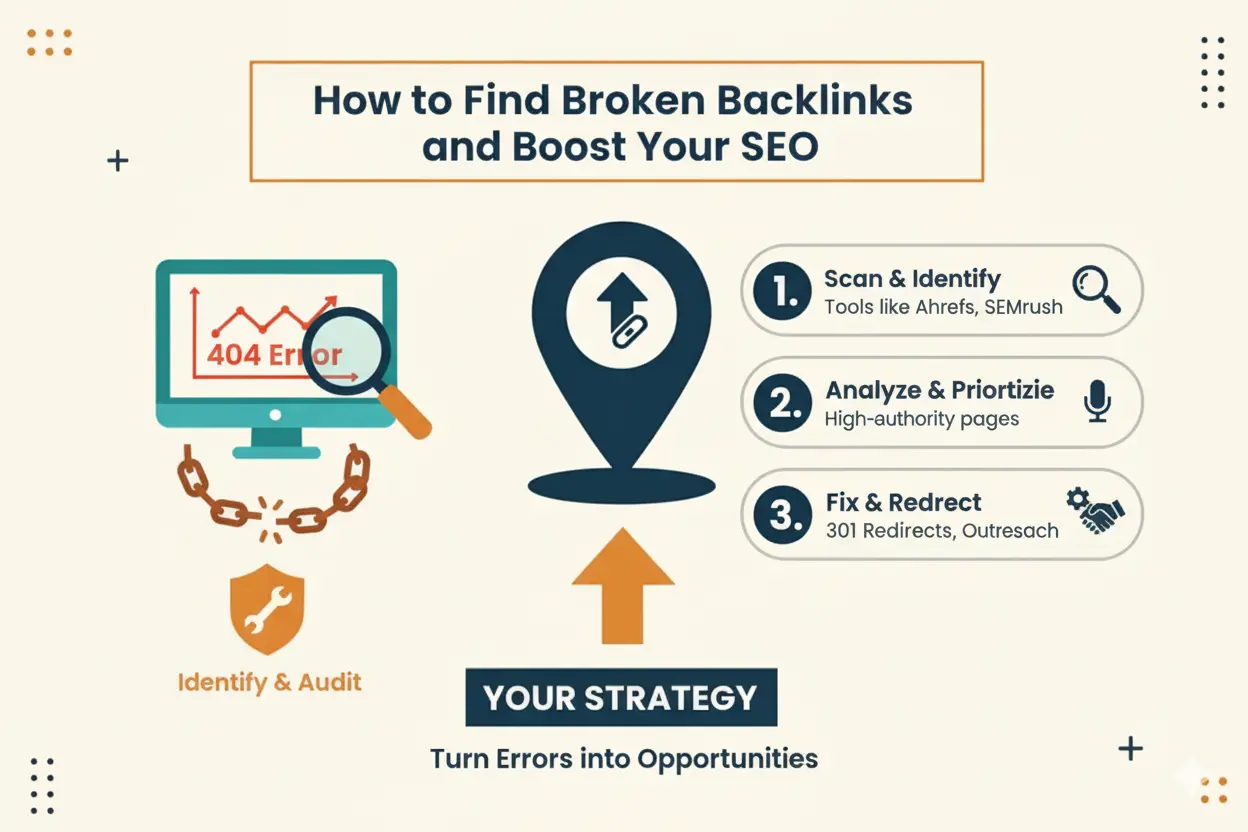
If Search Console isn’t showing all your backlinks, you can use third-party SEO tools to get a more complete picture:
- Ahrefs: Offers comprehensive backlink data and link growth trends.
- SEMrush: Tracks both backlinks and referring domains over time.
- Moz Link Explorer: Provides domain authority, anchor text, and link metrics.
- Majestic: Offers a historical view of your backlinks and link quality.
These tools can complement Search Console data and help you track link building performance more accurately.
Steps to Ensure Backlinks Are Tracked
- Check Your Site’s Crawlability
Make sure all pages you want links to are accessible to Google. Fix broken links, redirects, and robots.txt rules. - Submit Updated Sitemaps
Ensure your sitemap is up-to-date in Search Console. This helps Google discover new pages and associated backlinks. - Monitor Referring Domains
Focus not just on the total number of backlinks, but also on referring domains, since Google values links from unique websites more than multiple links from the same site. - Use UTM Tags for Tracking
For marketing campaigns, use UTM parameters to track referral traffic from external links, even if they don’t show in Search Console.
Common Misconceptions About Backlinks in Search Console
- “If it’s not in Search Console, it doesn’t exist.”
Wrong. Google shows only a sample; missing links may still exist and pass authority. - “Search Console shows link value.”
It doesn’t. While it shows referring domains and anchor text, it doesn’t provide metrics like domain authority or link equity. - “All backlinks appear instantly.”
Google indexes links over time, so patience is required for new backlinks to show.
Final Thoughts
If your Search Console isn’t showing backlinks data, it’s usually due to data sampling, delays, or low-quality links. While Search Console provides a reliable overview, it’s best to combine it with third-party SEO tools for a complete backlink picture.
For SEO professionals at SEO Vizon, the key takeaway is: don’t rely solely on Search Console for backlinks. Use it as a starting point, verify with additional tools, and always focus on acquiring high-quality, authoritative links.